No products in the cart.

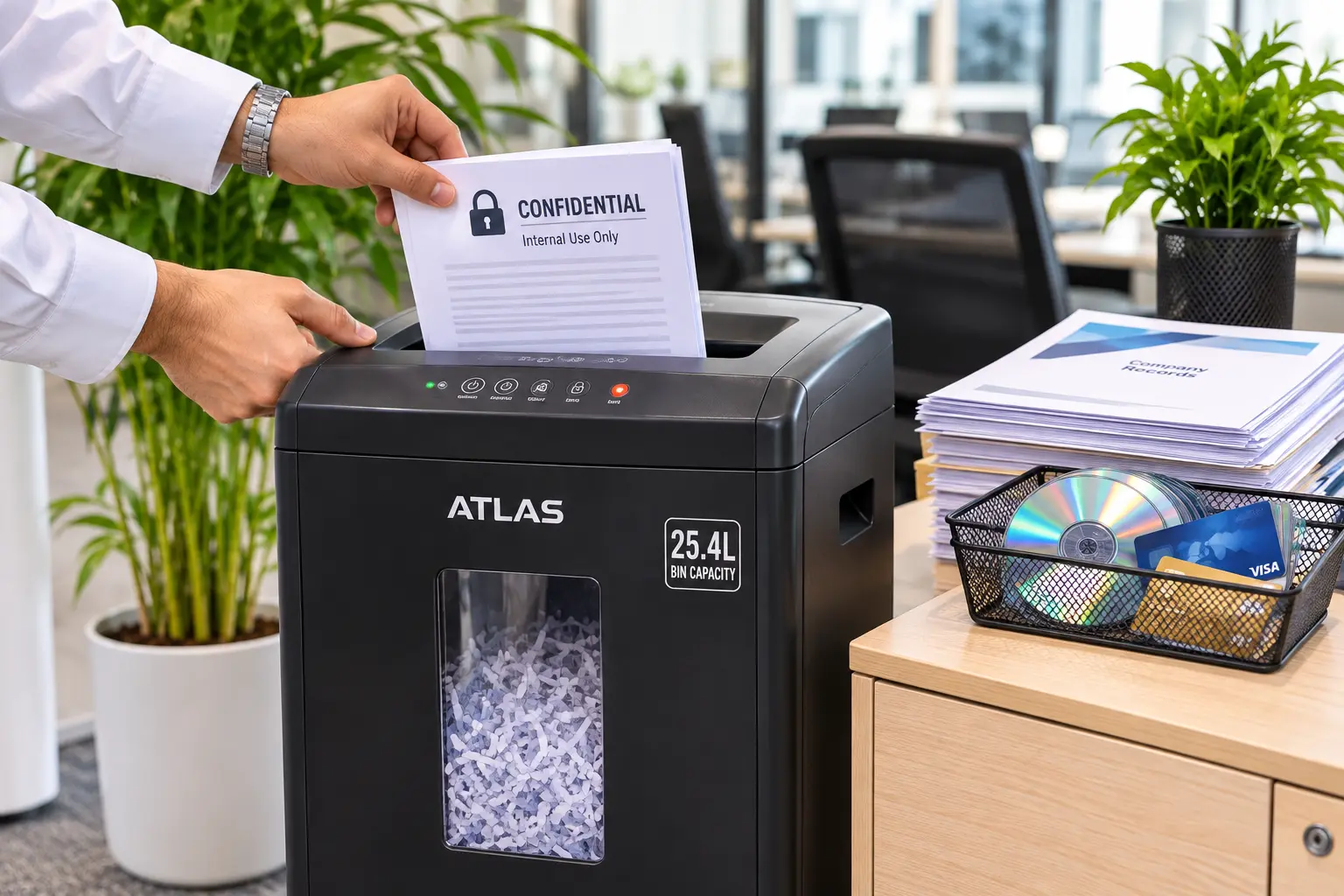
Quick Summary: Learning how to choose a paper shredder for a Saudi office depends on four measurable specifications: DIN 66399 security level, sheet pass capacity, motor duty cycle,

No products in the cart.
Quick Summary:
Choosing between 70 vs 80 gsm paper depends on document readability, printer feed limits, and double sided ink coverage rather than assuming heavier paper solves every jam. Use 70 GSM for single sided internal records, delivery slips, and high volume drafts, and standardize on 80 GSM for double sided reports, bilingual contracts, and client facing proposals.
Most office procurement teams order copy paper out of habit, defaulting to 80 GSM for everything or switching to 70 GSM without checking hardware tolerances. While both weights run through standard A4 machines, they behave very differently when toner density increases or sheets pass through a duplex roller. Treating 80 GSM as a guaranteed cure for paper jams often masks real issues like moisture imbalance or worn pickup rollers. Matching paper weight to your actual document workflows keeps prints crisp and machines running smoothly.
Understanding paper gsm meaning starts with the international ISO 536 standard. GSM stands for grams per square meter (g/m2), which measures the mass of one uncut sheet measuring exactly one meter by one meter. It measures basis weight, not physical dimensions.
When mills cut that master roll into standard ISO 216 A4 sheets (210297mm), the weight difference becomes easy to measure:
That 10-gram difference means an 80 GSM sheet packs roughly 14.3% more wood fiber and mineral filler into the exact same surface area.
However, basis weight is not the same thing as A4 paper thickness. In paper engineering, thickness is called caliper and is measured in microns (m). A standard 70 GSM sheet usually measures between 95 and 100microns, while an 80 GSM sheet measures between 106 and 110microns.
During manufacturing, heavy steel rollers press the paper in a process called calendering. Because of this, a tightly compressed 70 GSM sheet can feel smoother and feed more reliably than a poorly formed, loosely pressed 80 GSM sheet.
When selecting paper for double sided printing, the biggest threat to readability is show through, also known as ghosting. Show through happens when text or graphics printed on the back of a page remain visible from the front.
Show through is governed by opacity (measured under ISO 2471), which depends on both fiber density and mineral fillers like calcium carbonate. Quality 70 GSM copy paper typically carries an opacity rating of 90% to 92%, whereas 80 GSM reaches 94% to 96%.
The amount of toner or ink on the page determines which sheet stays readable:
Printer technology also changes how paper reacts during duplexing. As explained in our ink vs toner office admin guide, laser printers fuse dry powder onto the surface with heat, while office inkjet printers spray liquid ink directly into the fibers. On 70 GSM stock, heavy inkjet saturation causes fibers to swell and ripple, which can smudge or snag when the duplex unit pulls the sheet back in for the second side.
Every office printer has strict mechanical boundaries for paper handling. Most standard departmental laser printers and Multi Function Printers (MFPs) rate their primary paper cassettes for 60 to 105 GSM, calibrating their roller tension around 75 to 80 GSM.
High speed commercial copiers running above 60 pages per minute bend paper rapidly around tight duplex turn paths. In these machines, Taber bending stiffness matters far more than raw weight. An 80 GSM sheet offers roughly 34% higher bending stiffness than 70 GSM, helping it resist buckling as rollers push it through high speed reversing mechanisms.
Despite this stiffness advantage, upgrading to 80 GSM is not a magic cure for paper jams. Chronic misfeeds usually stem from four operational factors:
Selecting the best paper weight for printing becomes straightforward when you match the sheet to specific sample documents rather than guessing.
Choose 70 GSM for single sided workflows and high turnover operational paperwork:
Standardize on 80 GSM whenever documents represent your company externally, undergo heavy handling, or print on both sides:
| Specification / Workflow Factor | 70 GSM A4 Paper | 80 GSM A4 Paper |
| Basis Weight (g/m2) | 70g/m2 (4.37g per A4 sheet) | 80g/m2 (4.99g per A4 sheet) |
| Typical Caliper (Thickness) | 95to100microns | 106to110microns |
| Typical Opacity Rating | 90% to 92% | 94% to 96% |
| Safe Duplex Toner Coverage | Up to 10% (plain text only) | Up to 35% (text, tables, light charts) |
| Bending Stiffness | Moderate (requires dry, flat storage) | Roughly 34% higher Taber stiffness |
| Ideal Sample Documents | Delivery manifests, drafts, single sided forms | Contracts, duplex reports, client proposals |
Instead of forcing an entire organization onto a single paper stock, efficient facilities configure a two-tray standard on departmental office machines. Load Tray 1 with 70 GSM for internal single sided print jobs, and load Tray 2 with 80 GSM mapped to default double sided print presets.
As commercial print operations specialists regularly emphasize:
“Procurement teams often blame paper weight when a high speed copier jams, upgrading from 70 to 80 GSM overnight. In reality, over 60% of chronic office misfeeds trace back to unacclimated reams stored near HVAC vents or high ash filler shedding onto pickup rollers not the 10 gram difference in basis weight.”
Before approving your next stationery order, run a quick four point technical check alongside your office supplies inventory and reorder schedule:
Choosing between 70 and 80 GSM comes down to matching sheet opacity and stiffness to the job at hand relying on 70 GSM for single sided operational volume and 80 GSM for dense duplex reports and formal records.
If you are ready to equip your print stations with reliable stock, browse our full catalogue of A4 and A3 Copy paper to compare exact opacity, brightness, and sheet specifications. For teams consolidating stationery across multiple branches, you can also lock in exact caliper, moisture, and dust tolerances by defining Paper specifications in an RFQ before evaluating suppliers.

SEO & Content Marketing Specialist focused on building search-driven brands through strategic content, organic growth, and audience-first storytelling. Skilled in modern SEO, content strategy, and creating scalable digital experiences.
SEO & Content Marketing Specialist focused on building search-driven brands through strategic content, organic growth, and audience-first storytelling. Skilled in modern SEO, content strategy, and creating scalable digital experiences.
Related Blogs
Quick Summary: Learning how to choose a paper shredder for a Saudi office depends on four measurable specifications: DIN 66399 security level, sheet pass capacity, motor duty cycle,
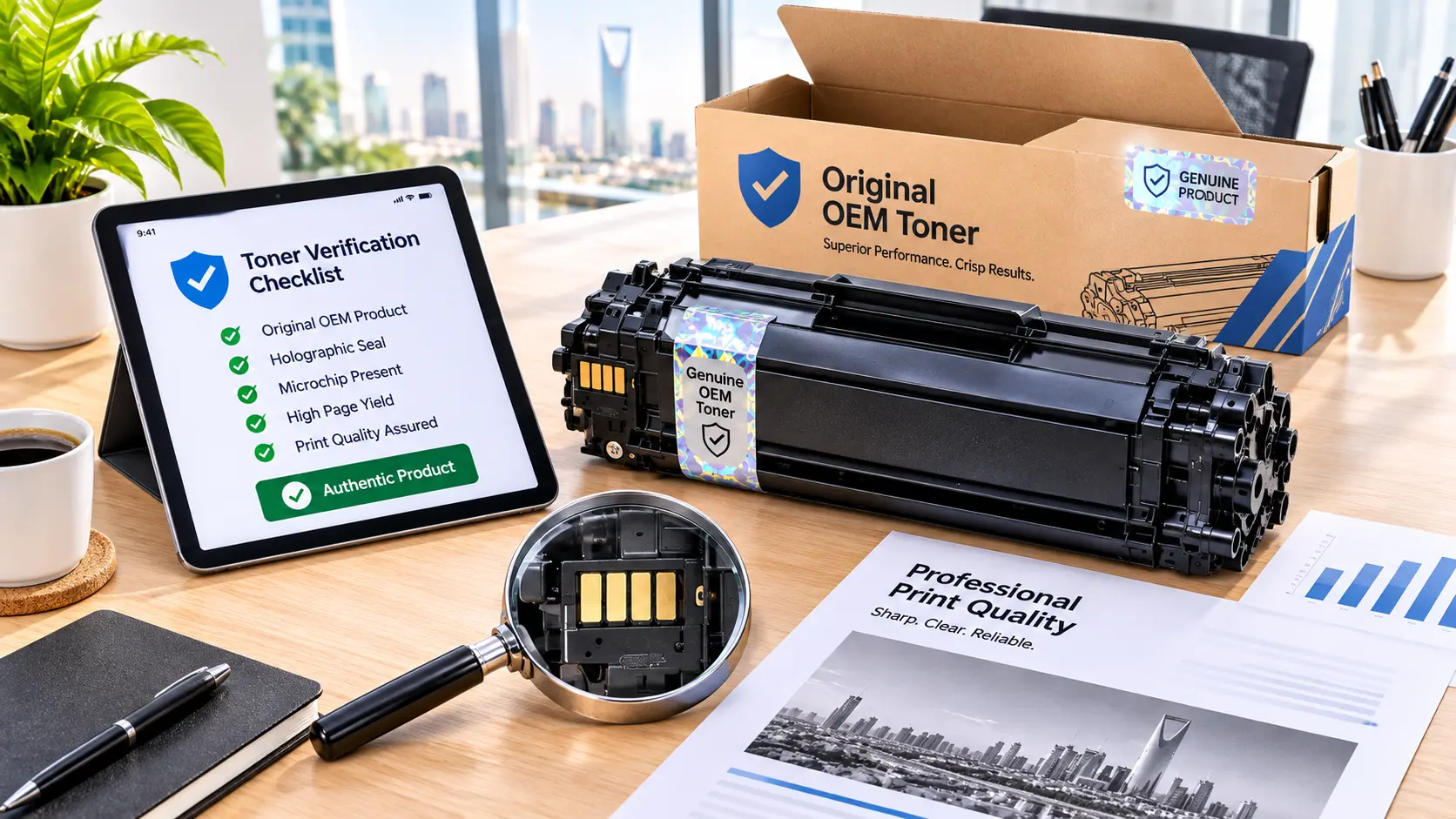
Quick Summary: Comparing original vs compatible toner comes down to four measurable factors: verifiable supply origin, serialized batch traceability, standardized ISO/IEC page yield, and clear hardware support terms.
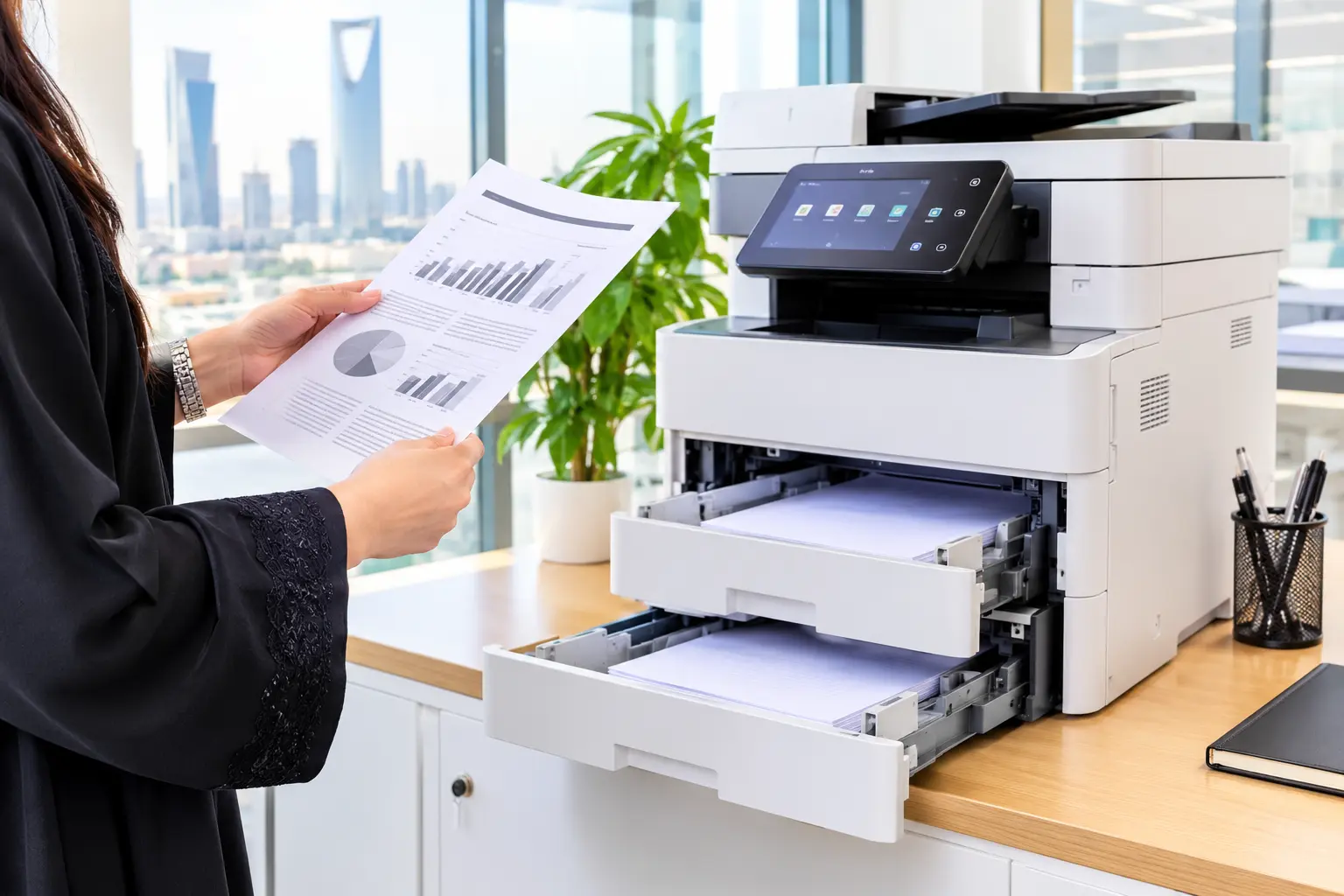
Quick Summary: Choosing between 70 vs 80 gsm paper depends on document readability, printer feed limits, and double sided ink coverage rather than assuming heavier paper solves every