No products in the cart.


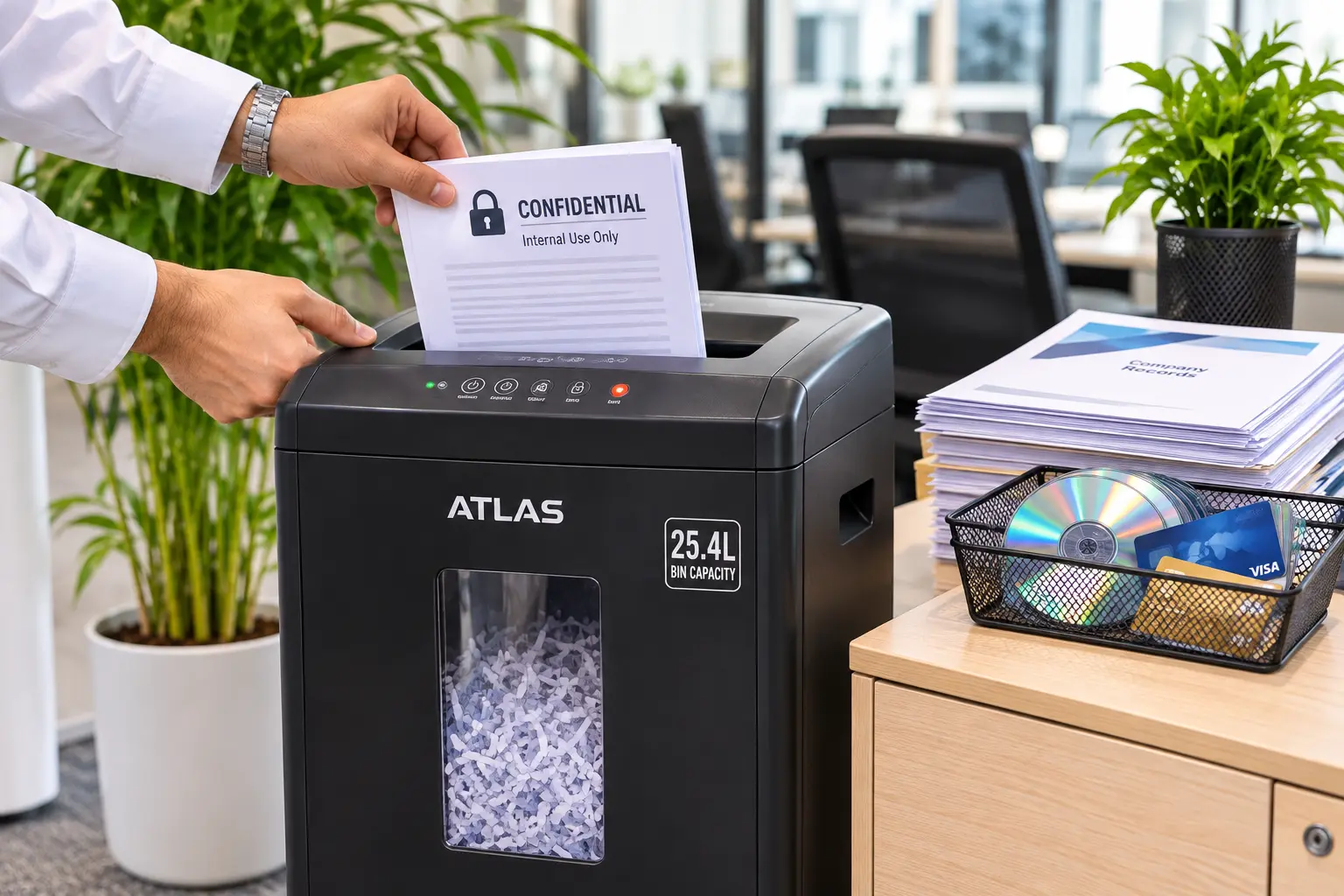
Quick Summary: Learning how to choose a paper shredder for a Saudi office depends on four measurable specifications: DIN 66399 security level, sheet pass capacity, motor duty cycle,

No products in the cart.
Quick Summary:
Office printers operate on two incompatible technologies: liquid based inkjet printer cartridges that spray droplets onto paper, and dry powder laser printer toner that melts onto pages using heat. Identifying your machine’s exact consumable type before placing a restock order prevents hardware errors, stockroom waste, and workflow downtime.
Walking up to a departmental printer showing a blinking “Low Supply” alert is a routine moment in any Saudi office. Yet ordering a replacement cartridge based solely on the brand logo on the front panel is one of the fastest ways to stall daily operations. Even machines from the same manufacturer can rely on completely different internal mechanisms. Understanding the core difference between ink and toner ensures you select the exact printer consumables your hardware requires before submitting a purchase request. This guide breaks down how both supplies work, how to verify what sits inside your office machines, and how to avoid common ordering mistakes.
The fundamental difference between ink and toner comes down to physical state and application method. Inkjet machines spray microscopic droplets of liquid ink directly onto paper fibers, whereas laser printers use electrostatic charges and heat to fuse dry plastic based powder onto the page surface.
Because these two systems rely on entirely different mechanical components, ink and toner can never be swapped or substituted for one another.
Inkjet printer cartridges contain liquid ink suspended in either a dye based or pigment based formula. Dye based inks dissolve completely in liquid, producing bright, saturated colors ideal for graphics. Pigment based inks contain microscopic solid color particles suspended in fluid, which sit closer to the paper surface for sharper text and better moisture resistance.
Inside an inkjet printer, a printhead moves back and forth across the page, ejecting ink through thousands of microscopic nozzles using one of two technologies:
Depending on your office model, liquid ink comes in three common formats: a two cartridge setup (one black, one tri color), four separate CMYK cartridges (Cyan, Magenta, Yellow, and Black), or bottled ink used to refill integrated supertanks.
Laser printer toner is not a liquid at all; it is a dry, ultra fine powder composed of granulated plastic polymers, carbon black, coloring agents, and trace amounts of silica or iron oxide to control static flow.
Instead of spraying droplets, a laser printer relies on electrophotography:
| Identification Factor | Inkjet Printer Cartridges | Laser Printer Toner |
| Physical Form | Liquid (dye based or pigment based) | Dry, microscopic plastic carbon powder |
| Application Method | Sprayed through microscopic printhead nozzles | Electrostatic drum transfer + high heat fuser |
| Fresh Page Feel | Cool to the touch; slightly damp on heavy coverage | Slightly warm from the fuser; completely dry |
| Highlighter Resistance | Can smear if highlighted immediately | Smudge proof and water resistant immediately |
| Storage Shelf Life | Can dry out or clog if left unused in dry AC air | Long shelf life; unaffected by idle periods |
When managing an inherited fleet or multiple departments across an office floor, you do not need to guess what goes inside a machine. You can confirm whether a device uses ink or toner in under a minute using three simple checks.
Manufacturers build clear naming conventions directly into the model badge printed on the front bezel of almost every office printer. Checking the series name is the fastest way to verify your supply category:
You can also check the printer’s digital LCD display. Navigate to Settings, Supplies Status, or Consumables Info. A laser machine will display percentages for Black/Cyan/Magenta/Yellow Toner alongside components like an Imaging Drum or Belt Unit. An inkjet device will display Ink Levels or Printhead Status.
If the front label is worn off, open the printer’s front access door to visually inspect the installed cartridge without removing its protective seals or shaking it:
Print a single test page and pick it up as soon as it lands in the output tray. If the sheet feels noticeably warm and the text resists rubbing or highlighter ink immediately, your machine uses laser printer toner cured by a heated fuser. If the paper feels cool and heavy dark graphics appear slightly damp for a few seconds, it uses liquid ink.
Understanding ink vs toner is not just a technical detail it directly protects your office from avoidable downtime and hardware service calls.
Manufacturers design cartridges with specific plastic grooves and electronic chips so an inkjet cartridge cannot physically slide into a laser slot, and vice versa. However, ordering the wrong category still leaves a department unable to print while waiting for returns and redeliveries.
Even within laser printers, a common administrative error is confusing toner cartridges with imaging drum units. In many Brother, Xerox, and Ricoh office machines, the toner cartridge holds the powder while a separate drum unit transfers that powder onto the paper. If the printer screen reads “Replace Drum” and an administrator orders a new toner cartridge instead, the error message will remain on screen until the correct drum unit is installed.
Office environments across Saudi Arabia run continuous air conditioning for most of the year, creating dry indoor air that impacts stored printer consumables differently:
Most medium to large offices run a hybrid print environment where different departments rely on different technologies. Knowing when each consumable type excels helps administrators manage stockrooms effectively.
Laser machines and toner consumables are built for speed, consistency, and high volume text output. They are the preferred standard for:
Modern business inkjets still play an important role in targeted office workflows where visual versatility matters more than raw page volume:
In commercial print fleet management, workflow efficiency depends heavily on matching consumables to daily document types. According to independent testing by DataMaster Lab, while modern business inkjets can match laser speeds on simple single-page text, they take up to 141% longer to complete complex multi-page business documents because the printhead carriage must pause and make multiple passes to prevent wet ink from smudging.
Beyond print speed, procurement audits reveal a widespread operational bottleneck known as “phantom stockouts.” In mid-sized offices, roughly one in four emergency supply requests happens not because the storage cabinet is empty, but because the wrong cartridge series or a toner cartridge instead of an imaging drum — was ordered during routine restocking.
“Most office print downtime isn’t caused by broken hardware, it’s caused by a mismatch at the supply cabinet. Taking thirty seconds to verify whether a machine uses a thermal ink cartridge or a heat-fused toner assembly saves hours of administrative back and forth.”
— Print Fleet & Consumables Operations Lead, Supplies Hub
Before submitting your next consumable requisition, run through this four step verification routine to guarantee 100% compatibility:
Once you have confirmed your printer’s exact model number and verified whether it runs on liquid ink or powder toner, ordering replacements becomes fast and error free. Explore our organized catalogue of Toners and inks at Supplies Hub to find genuine and high performance compatible cartridges tailored to your office printers.

SEO & Content Marketing Specialist focused on building search-driven brands through strategic content, organic growth, and audience-first storytelling. Skilled in modern SEO, content strategy, and creating scalable digital experiences.
SEO & Content Marketing Specialist focused on building search-driven brands through strategic content, organic growth, and audience-first storytelling. Skilled in modern SEO, content strategy, and creating scalable digital experiences.
Related Blogs
Quick Summary: Learning how to choose a paper shredder for a Saudi office depends on four measurable specifications: DIN 66399 security level, sheet pass capacity, motor duty cycle,
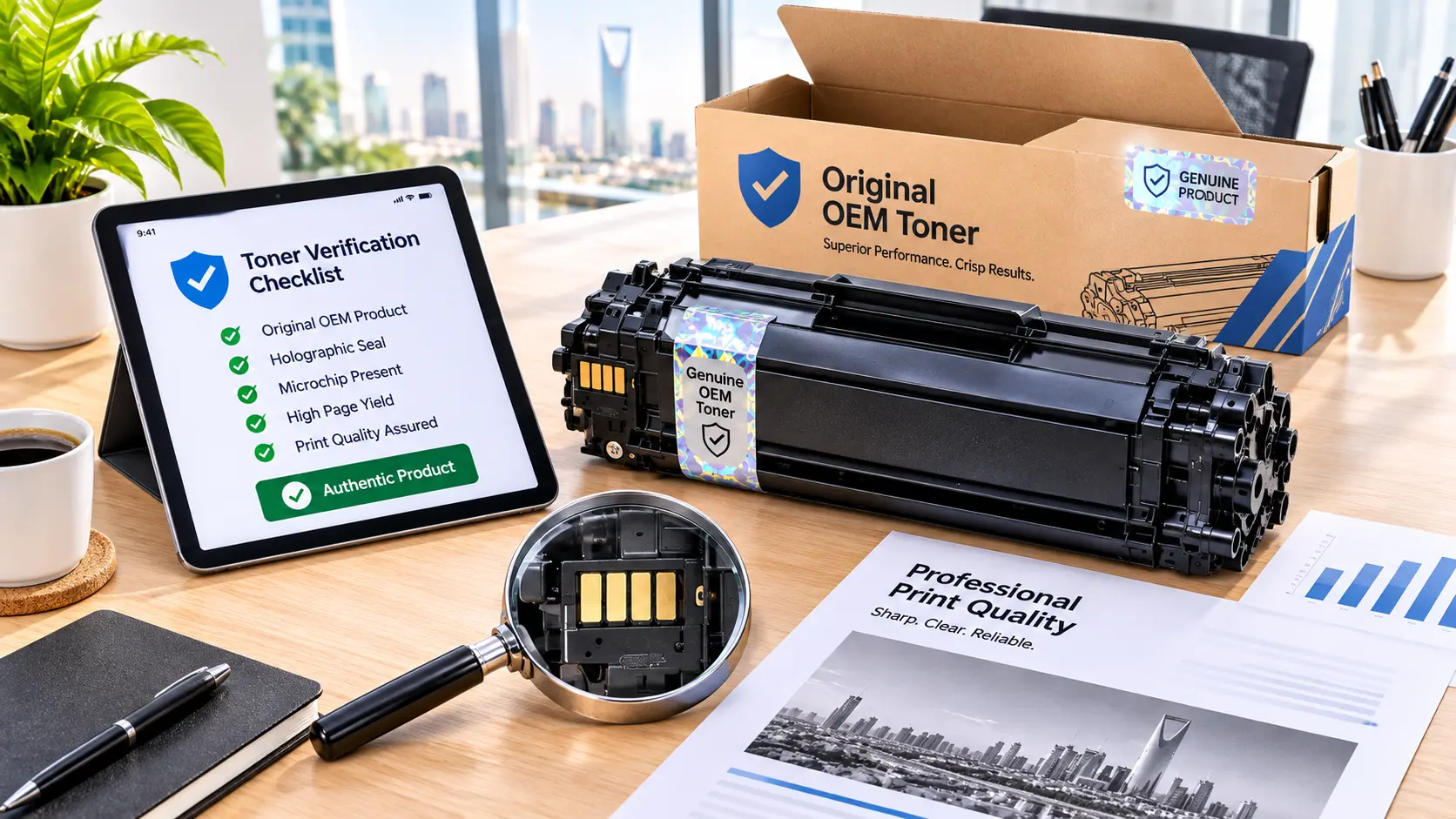
Quick Summary: Comparing original vs compatible toner comes down to four measurable factors: verifiable supply origin, serialized batch traceability, standardized ISO/IEC page yield, and clear hardware support terms.
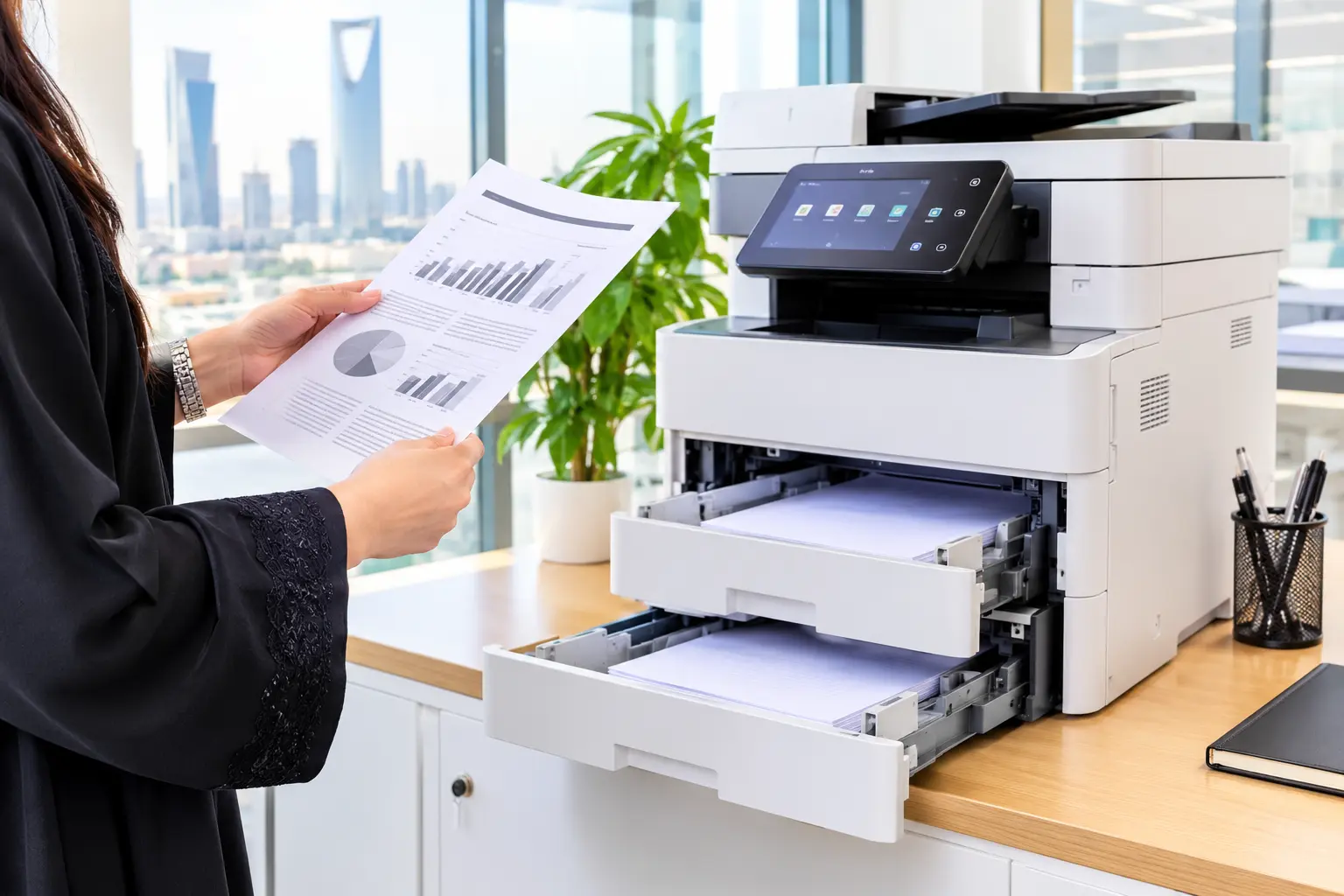
Quick Summary: Choosing between 70 vs 80 gsm paper depends on document readability, printer feed limits, and double sided ink coverage rather than assuming heavier paper solves every