Integrating Multi-Function Printers (MFPs) with Cloud Systems
Hasnain
5 mins read
Table of Contents
Summary
“Learn how cloud-connected multifunction printers are revolutionizing document management. We discuss the top features of these advanced machines and how they streamline daily administrative workflows.”
The modern Saudi Arabian corporate landscape is evolving rapidly. As businesses across the Kingdom embrace digital transformation in alignment with Vision 2030, traditional office workflows are being completely reimagined. One area experiencing a massive technological leap is document management. Gone are the days of physically tethering a computer to a printer via a USB cable. Today, seamless collaboration requires intelligent, interconnected devices.
The introduction of smart MFPs Saudi Arabia has revolutionized how teams scan, print, and share information. By integrating Multi-Function Printers (MFPs) directly with cloud systems, businesses can achieve unprecedented levels of productivity, mobility, and data security. In this guide, we will explore the transformative benefits of cloud-integrated printing and how it can modernize your daily operations.
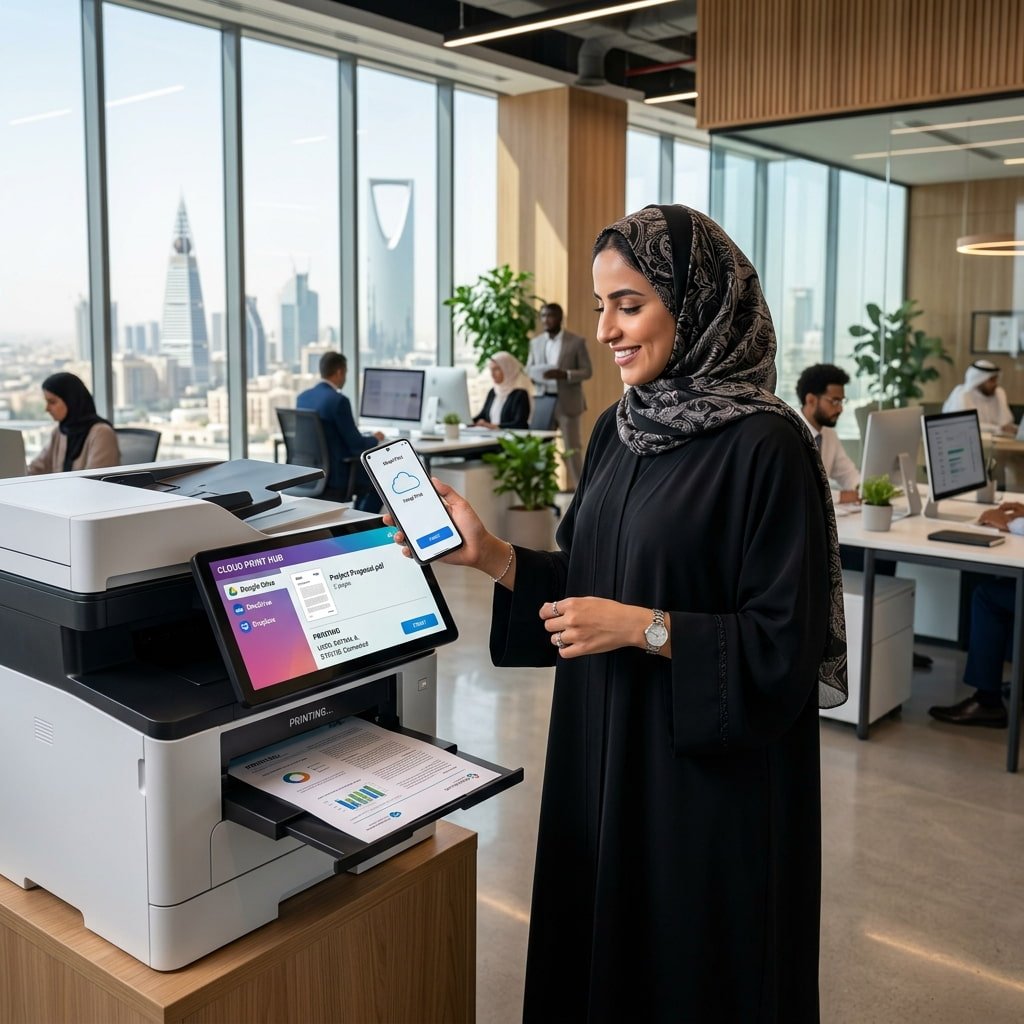
Professional printing from smartphone to Smart MFP
A professional seamlessly printing documents from their smartphone to a highly connected, smart MFP in a modern corporate office.
What Does Cloud Integration Mean for Your MFP?
Historically, a multifunction printer was a standalone piece of hardware on your local network. To print a document stored online, you had to download the file to a PC, open it in an application, and send it to the print spooler. To scan a document, you either scanned it to a local USB drive or navigated a clunky “scan-to-email” setup.
Integrating your MFP with cloud systems such as Google Drive, Microsoft OneDrive, SharePoint, or Dropbox eliminates these tedious intermediate steps. The printer acts as a direct, intelligent gateway to your cloud infrastructure. Through native apps installed directly on the MFP’s touchscreen interface, users can log into their cloud accounts at the device, browse their online folders, and print documents instantly. Conversely, they can scan physical paperwork and upload it directly into a specific, shared cloud directory with a single touch.
The Strategic Benefits of Cloud-Connected MFPs
Upgrading to smart MFPs Saudi Arabia provides several distinct operational advantages for fast-paced corporate environments:
1. Unmatched Mobility and Remote Flexibility
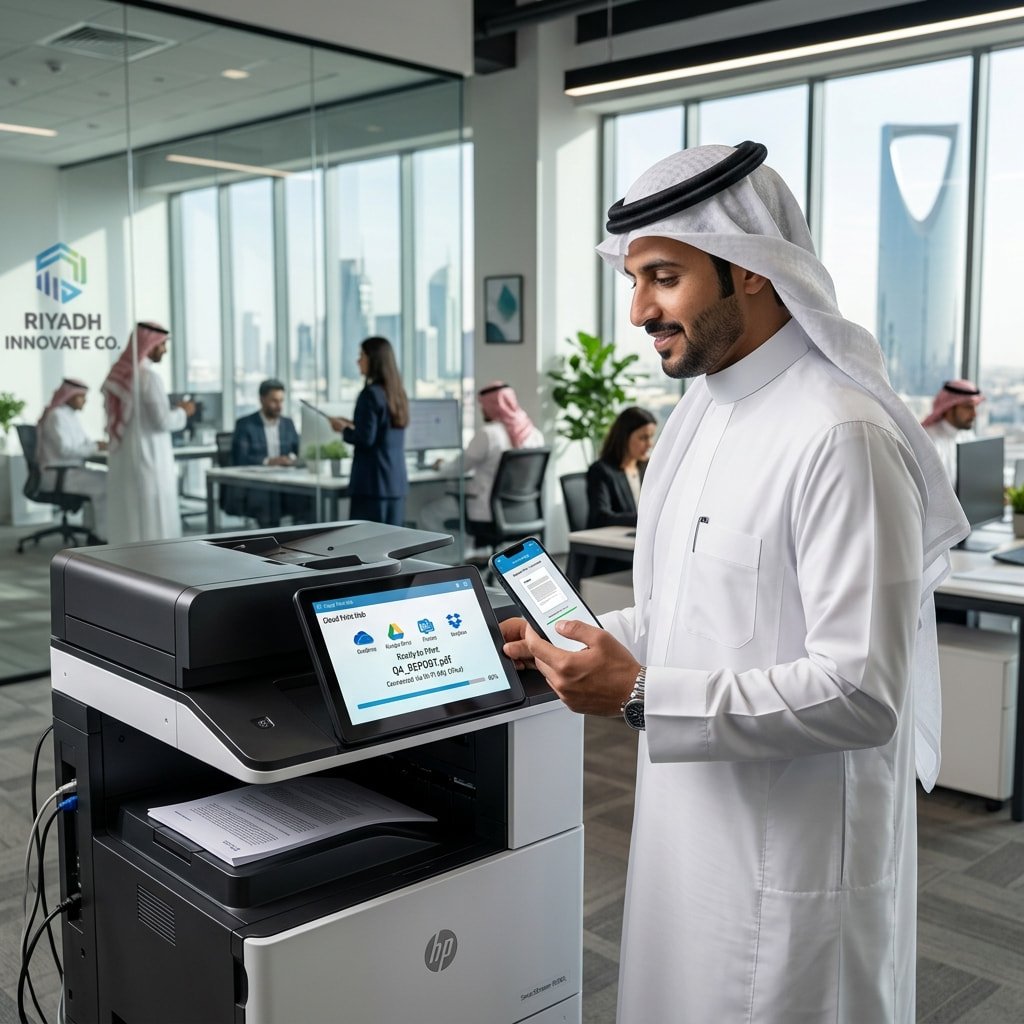
The modern workforce is increasingly hybrid. Employees jump between corporate headquarters, client sites, and home offices. Cloud-integrated MFPs support true mobile printing. An executive traveling from Jeddah to Riyadh can securely send a presentation to the office printer via their smartphone and a cloud app. The document is held securely in the cloud queue until they physically arrive at the printer to authenticate and release the print job.
2. Streamlined Workflow Automation
Smart MFPs feature Optical Character Recognition (OCR) technology. When an employee scans a stack of invoices, the intelligent printer doesn’t just create a static image; it creates a searchable, editable PDF. Cloud integration allows the printer to automatically route these intelligent documents directly into the finance department’s specific cloud folder, triggering automated approval workflows without human intervention.
3. Enhanced Corporate Security
Security is a primary concern for IT managers. Modern smart MFPs feature robust encryption protocols that secure data both at rest (on the printer’s hard drive) and in transit (as it moves to the cloud). Furthermore, cloud printing relies on “pull printing” mechanics. Documents are not left sitting abandoned in the output tray where unauthorized personnel might see them; they only print when the verified user taps their ID card or enters a secure PIN at the machine.
4. Reduced IT Infrastructure Costs
Relying on legacy local print servers is expensive. They require physical space, constant IT maintenance, software updates, and heavy energy consumption. Migrating to a cloud-based printing infrastructure offloads the heavy lifting to the cloud provider. This significantly reduces the burden on your internal IT helpdesk and lowers your total cost of ownership.
Comparison: Traditional Printing vs. Cloud-Integrated Printing
To understand the sheer magnitude of the upgrade, let’s look at a direct comparison of traditional local workflows versus modernized cloud workflows.
Feature Area
Traditional Network Printers
Cloud-Integrated Smart MFPs
Document Scanning
Scan to local PC, USB, or unencrypted email
Direct scan-to-cloud (OneDrive, Google Drive, Dropbox)
Mobile Access
Very limited; requires complex VPN setups
Native mobile app support (iOS/Android) anywhere
Document Security
Documents print immediately and sit in trays
Secure “Pull-Printing” via PIN or ID card authentication
IT Maintenance
High; relies on expensive local print servers
Low; centralized cloud management and automatic updates
Collaboration
Isolated; requires manual file sharing after scanning
Instant; scanned files are immediately available to remote teams
Special Hardware Needs: When to Consider Plotter Rental
While cloud-connected MFPs handle 95% of a corporate office’s daily administrative needs, certain industries like Architecture, Engineering, and Construction (AEC) require specialized hardware for massive blueprints and technical schematics.
If your business occasionally takes on infrastructure projects or hosts large-scale exhibitions, maintaining an expensive wide-format printer year-round might not be cost-effective. In these scenarios, utilizing a reliable plotter rental service is a strategic move. By opting for plotter rental, you can secure high-end, wide-format CAD printers precisely when your project demands it, complete with maintenance and support, without tying up crucial capital.
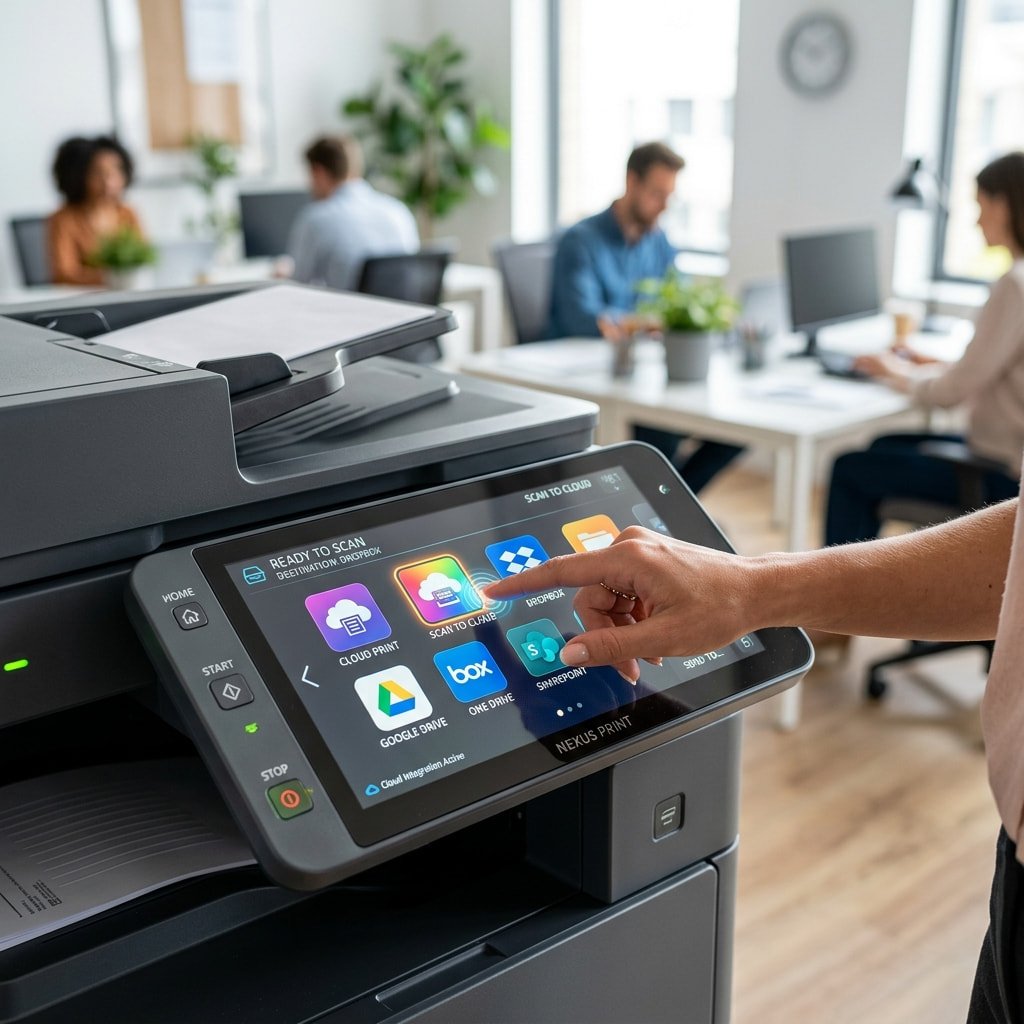
Smart MFP Cloud Touchscreen Interface A close-up of a smart MFP’s intuitive touchscreen interface, allowing users to scan directly to popular cloud storage platforms.
How to Implement Cloud Printing in Your Office
Transitioning your office to a cloud-first printing environment is a straightforward process when guided by experts:
Assess Your Network Architecture: Ensure your office has stable, high-speed internet and properly configured firewalls to allow secure outbound connections from your printing hardware to your chosen cloud providers (Microsoft 365, Google Workspace, etc.).
Select the Right Hardware: Partner with a reputable supplier to lease or purchase the latest generation of smart MFPs Saudi Arabia. Look for models that natively support enterprise cloud apps on their digital interfaces.
Configure Authentication: Establish user authentication protocols (such as RFID badges or Active Directory integration) to enable secure print-release functionality.
Train Your Team: Host a brief onboarding session to teach employees how to utilize the direct scan-to-cloud and mobile printing features. The interfaces on modern MFPs are designed to mirror smartphones, making adoption incredibly fast.
Transform Your Workflow with Supplies Hub
The future of the corporate office is connected, secure, and mobile. Continuing to rely on outdated, localized printing infrastructure creates workflow bottlenecks and poses severe data security risks.
At Supplies Hub, we specialize in equipping businesses across Saudi Arabia with cutting-edge office technologies. Whether you are looking to upgrade your administrative floors with the latest cloud-connected smart MFPs, or require temporary hardware solutions like an industrial plotter rental for an upcoming megaproject, we have the inventory and the expertise to help you succeed.
Empower your hybrid workforce and secure your corporate data by making the switch to intelligent, cloud-integrated printing. Visit Supplies Hub to explore our comprehensive catalog and consult with our IT hardware specialists today.
Hasnain
SEO & Content Marketing Specialist focused on building search-driven brands through strategic content, organic growth, and audience-first storytelling. Skilled in modern SEO, content strategy, and creating scalable digital experiences.
Hasnain
SEO & Content Marketing Specialist focused on building search-driven brands through strategic content, organic growth, and audience-first storytelling. Skilled in modern SEO, content strategy, and creating scalable digital experiences.
Summary: An e-procurement system helps businesses control purchasing through digital requests, approvals, supplier management, purchase orders, and spend tracking. For Saudi companies managing multiple suppliers, branches, and recurring
If your business relies on chaotic paper trails, lost email threads, and manual invoice matching, you are already falling behind. Traditional purchasing methods simply cannot keep up with
Inefficient purchasing and unmanaged tail spend silently cost businesses millions of riyals every year. If your procurement team is drowning in manual data entry instead of building strategic