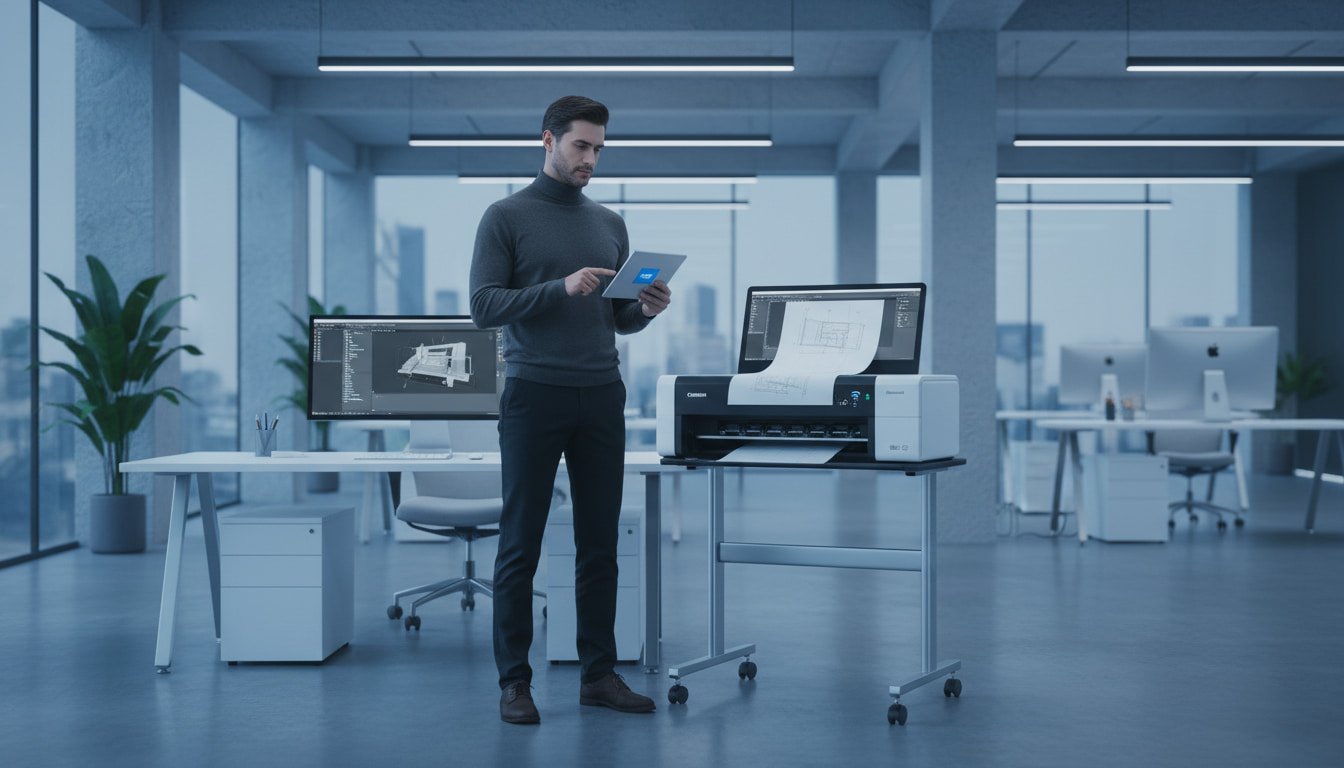
A Guide to Choosing the Right Plotter for Your Architecture or Engineering Firm in Jeddah
Hasnain
5 mins read
Table of Contents
Summary
“High-resolution blueprints are non-negotiable. This post highlights plotters that deliver sharp lines and vibrant maps, ensuring your presentation quality matches your design skills.”
In the fast-paced world of construction and design in Saudi Arabia, time is a currency you cannot afford to waste. For architecture firms and engineering consultancies in Jeddah, the ability to produce high-quality technical drawings on demand is not a luxury it is an operational necessity.
Relying on third-party print shops for your large-format needs often results in workflow bottlenecks. There is the travel time, the risk of data privacy breaches, and the frustration of spotting a minor error on a blueprint only after it has been paid for and printed. To maintain control over your project timelines and quality, investing in the best plotter for architecture is one of the smartest decisions a firm can make.
However, the market is saturated with options ranging from entry-level wide-format printers to industrial-grade production machines. This guide breaks down exactly what B2B buyers in the architecture, engineering, and construction (AEC) sector need to know to select the right equipment for their specific needs.
Understanding Your Printing Needs: CAD vs. Graphics
Before browsing product catalogs, it is essential to define exactly what your firm prints most frequently. Not all large-format printers are built the same; they are generally optimized for either technical lines (CAD) or graphic arts.
Technical CAD & GIS Drawings
If your primary output consists of floor plans, electrical schematics, elevation drawings, or GIS (Geographic Information Systems) maps, your priority is line precision. You need a machine that can render thin, crisp lines and sharp text. Color fidelity is important for distinguishing layers (e.g., HVAC vs. Electrical lines), but you do not need the heavy ink coverage required for photo printing. Ideal Tech: 4 to 5-color ink systems (CMYK + Matte Black).
3D Renderings and Client Presentations
Architectural visualization has evolved. If your firm frequently prints high-resolution 3D perspectives to win client bids, you need a plotter that handles gradients and shadows effectively. A standard CAD plotter might leave these images looking washed out or banded.
Ideal Tech: 6-color systems or higher to capture depth and vibrancy. For most architecture firms in Jeddah, the “sweet spot” is a versatile machine that excels at CAD line drawings but is capable of producing decent quality renderings for client meetings.
Key Features to Look for in an Architectural Plotter
When evaluating the specifications of a potential purchase, focus on these four critical areas to ensure the machine meets the demands of a modern engineering office.
Print Resolution and Line Accuracy
Resolution in plotters is measured in DPI (Dots Per Inch). For architectural blueprints, a minimum of 2400 x 1200 optimized DPI is the industry standard. This density ensures that even the finest lines (0.02mm) are continuous and that small text annotations remain legible. If a contractor on a job site misreads a measurement because of fuzzy printing, the cost of rectification far outweighs the cost of a better printer.
Speed and Processing Memory
Modern CAD files and PDF blueprints can be massive. A plotter with insufficient RAM will either crash or take 10 minutes to process a single sheet.
Memory: Look for a minimum of 1GB of RAM. High-end models offer hard drives for job storage.
Print Speed: Speed is usually measured in “A1 prints per hour.” An entry-level machine might print 30 A1 pages per hour, while a production unit can handle 100+.
Paper Size Handling (A1 vs. A0)
The two standard sizes for the AEC industry are 24-inch (610mm) and 36-inch (914mm).
24-inch (A1): Sufficient for many internal reviews and smaller residential projects.
36-inch (A0): The standard for commercial construction documents and municipal submissions in Saudi Arabia. We almost always recommend a 36-inch model to avoid being limited by size constraints later.
Connectivity and Mobile Printing
The days of connecting a single computer to a printer via USB are over. The best plotter for architecture must support:
Gigabit Ethernet: For fast data transfer over the office network.
Wi-Fi: Allowing architects to print from laptops without cabling.
Mobile Printing: Apps like HP Smart or Canon Direct Print allow site managers to print drawings directly from a tablet or smartphone when they visit the office.
The Contenders: HP vs. Canon for Architecture
In the B2B market, two giants dominate the landscape: HP and Canon. Both offer exceptional machines, but they approach wide-format printing differently.
HP DesignJet Series
HP is often considered the market leader in the AEC space. Their DesignJet series is renowned for being user-friendly and robust.
Pros: Extremely intuitive touchscreens, rugged build quality, and excellent software (HP Click) that makes printing sets of PDFs easy.
Technology: They use Thermal Inkjet technology.
Best For: Firms that want a “plug and play” experience with minimal learning curve.
Canon’s imagePROGRAF (often shortened to iPF or TM series) is a strong competitor known for precision and high-density printing.
Pros: Their FINE printhead technology often produces slightly sharper lines and darker blacks. They are also known for having sub-ink tank systems, allowing you to swap cartridges while the printer is running a huge plus for long print runs.
Technology: They use Piezoelectric printing technology. Best For: Engineering firms that prioritize extreme line accuracy and ink efficiency.
Top 3 Recommendations for the Best Plotter for Architecture
Based on our sales data and feedback from engineering firms in Jeddah, here are the top three plotters we recommend for 2024.
Entry-Level: HP DesignJet T650 (36-inch)
This is the world’s smallest wide-format plotter range. It is perfect for freelance architects, home offices, or small site offices (port cabins).
Speed: Approx. 26 seconds per A1 print. Why we love it: It includes a built-in sheet feeder (A3/A4) and a roll feeder, meaning you can print half-size drawings and contracts on the same machine without manually switching paper. It is compact, affordable, and sustainable.
Mid-Range Workhorse: Canon imagePROGRAF TM-300
For a medium-sized office with 5–15 architects, the TM-300 strikes a perfect balance. It utilizes distinct channels for pigment matte black ink, ensuring water-resistant and sharp text on bond paper.
Speed: Approx. 144 A1 prints per hour (fast draft mode). Why we love it: It is significantly quieter than many competitors, making it suitable for open-plan offices where noise is a distraction. The pigment inks ensure prints don’t smudge easily at humid construction sites.
High-Performance: HP DesignJet T1600
This is designed for high-volume collaboration. If your firm prints dozens of plan sets daily, this is the best plotter for architecture workflows that require speed and security.
Speed: Approx. 180 A1 prints per hour. Why we love it: It comes with advanced security features (HP Wolf Security) to protect sensitive project data. It also features integrated stacking, so your prints come out neat and organized, rather than falling into a basket in a jumbled mess.
Calculating the Total Cost of Ownership (TCO)
A common mistake procurement officers make is looking only at the hardware price tag. In the B2B world, the Total Cost of Ownership (TCO) is what matters. A cheap printer with expensive ink will cost you more in the long run.
Ink Cartridge Efficiency
Check the cost per milliliter of ink. Larger printers often take larger cartridges (e.g., 130ml or 300ml), which usually offer a lower cost per print compared to the small 29ml cartridges found in entry-level models.
Printheads
Printheads are consumables. Some plotters require you to change the printhead every year, which can be costly. Canon’s thermal printheads and HP’s universal printheads have different lifespans and replacement costs. Always factor this into your annual budget.
Media (Paper) Costs
Choosing the right paper is just as important as the plotter.
Bond Paper (80gsm): Standard for line drawings and checklists. Low cost.
Coated Paper (90-100gsm): Better for presentations with color blocks.
Glossy/Satin: For high-end renderings.
Using high-quality paper ensures the ink does not bleed, maintaining the accuracy of your scale drawings.
When purchasing critical office infrastructure like a wide-format printer, the vendor you choose is as important as the machine. Supplies Hub is a premier B2B office supplier in Saudi Arabia, dedicated to serving the AEC sector.
Genuine Products: The market in Jeddah unfortunately sees a lot of counterfeit consumables. We guarantee 100% genuine printers, inks, and printheads directly from manufacturers like HP and Canon.
Fast Delivery: We understand that project deadlines don’t wait. We offer expedited shipping across Jeddah and the KSA region.
Expert Advice: Our team understands the difference between a GIS map and a 3D render. We guide you to the machine that fits your workflow, not just the one with the highest price tag.
Conclusion
Choosing the best plotter for architecture requires balancing precision, speed, and operating costs. Whether you choose the user-friendly interface of an HP DesignJet or the line precision of a Canon imagePROGRAF, bringing your large-format printing in-house will revolutionize your workflow. It allows for faster iterations, better quality control, and ultimately, a more professional presentation to your clients.
Don’t let outdated hardware slow down your firm’s growth. Evaluate your print volume, consider the models listed above, and invest in a machine that works as hard as you do.
Ready to upgrade your office equipment? Contact Us today for a custom quote or browse our full range of Large Format Printers to find the perfect match for your business.
Hasnain
SEO & Content Marketing Specialist focused on building search-driven brands through strategic content, organic growth, and audience-first storytelling. Skilled in modern SEO, content strategy, and creating scalable digital experiences.
Hasnain
SEO & Content Marketing Specialist focused on building search-driven brands through strategic content, organic growth, and audience-first storytelling. Skilled in modern SEO, content strategy, and creating scalable digital experiences.
Summary: An e-procurement system helps businesses control purchasing through digital requests, approvals, supplier management, purchase orders, and spend tracking. For Saudi companies managing multiple suppliers, branches, and recurring
If your business relies on chaotic paper trails, lost email threads, and manual invoice matching, you are already falling behind. Traditional purchasing methods simply cannot keep up with
Inefficient purchasing and unmanaged tail spend silently cost businesses millions of riyals every year. If your procurement team is drowning in manual data entry instead of building strategic